
Don’t attempt SEO until you’ve done this one simple thing ⬇️
Set up “Google Search Console.”
What is Google Search Console?
Google Search Console is the most fun, most helpful tool you can have as a website owner (or founder, marketer, etc.)
It’s REALLY easy to use and can help you understand a) what Google “thinks” of your site and b) how people are truly finding your website when they search online.
How to Set up Google Search Console:
- Create a Google account. Don’t worry — it’s easy and free.
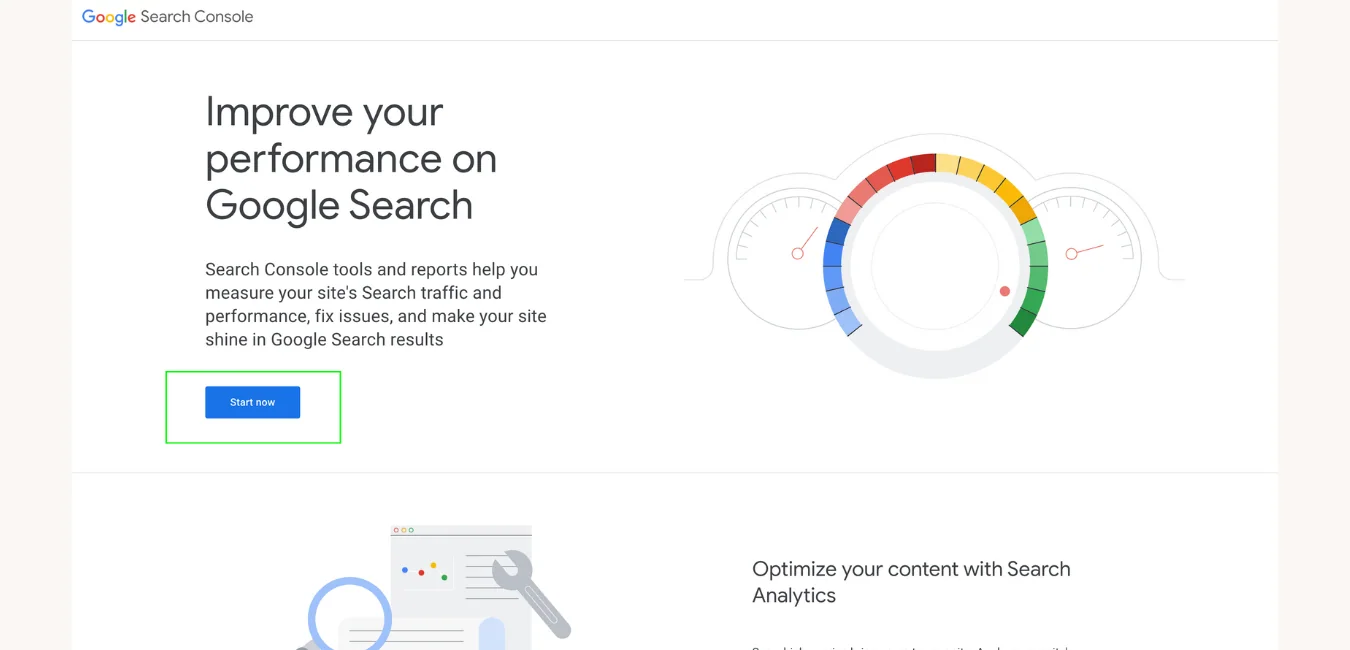
- Go to https://search.google.com/search-console/about
- Click “Start now.”
- You’ll see a pop-up that says “Welcome to Search Console.”
- Now you have two choices. You can pick a “DNS record” or “url prefix.” Both are very simple, just stick with me.
- Choose either DNS or URL prefix and enter your domain. Click continue.
- Now follow the directions provided by Google.
And that’s it! It’s super simple but if you need help, contact your developer or SEO consultant.
A few helpful notes:
- DNS record can be accessed wherever your domain is hosted. Just Google “how to update dns record for ____” then whatever host you use. For example, here’s the dns records directions for square space.
- URL prefix is your other option. It’s similar to how you would authorize Google Analytics with custom code you add to your website.
- If you can, authorize via DNS. If not, URL prefix is fine as long as you verify the different versions of your site. Aka of you have “blog.domain.com” AND “domain.com,” make sure to add them both.